A complete interpretation platform — no hardware, no headsets.
One audio feed becomes natural voice and live captions in dozens of languages — on every phone in the room, on the screen at the front, and for the people who couldn't come at all. Then it stays available afterwards, on a page that's yours.
Everything language access needs, in one place.
Each of these has a page of its own — start anywhere.
Live translation
Natural translated speech and live captions, about a second and a half behind the speaker, in 50+ languages.
Captions & overlays
A transparent caption layer you add as a browser source in ProPresenter, OBS, EasyWorship or vMix.
Remote & hybrid listeners
The same session, from a sofa or another country. Nobody has to be in the building to be included.
Recordings & archive
Audio and a translated transcript per language, kept privately until you choose to publish it.
Your page & followers
One permanent address showing what's live, what's next, and your archive — with people who follow it.
Scripture recognition
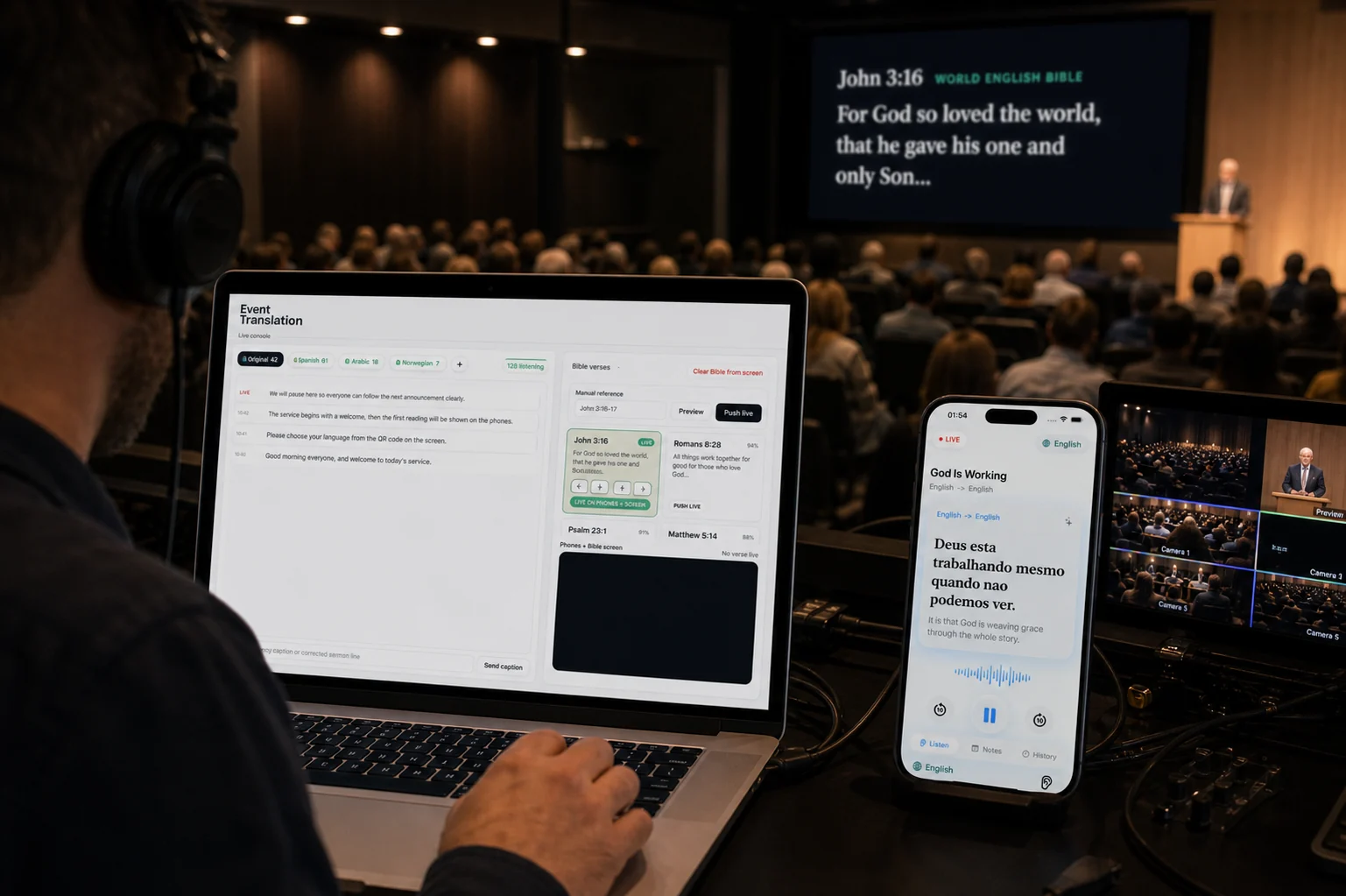
For churches, spoken Bible references appear in each listener's own published translation — booth-approved before anyone sees them.
The listener app
Notes, photos, highlights, history and replay for the people who join — plus personal and two-way translation.
Operator console
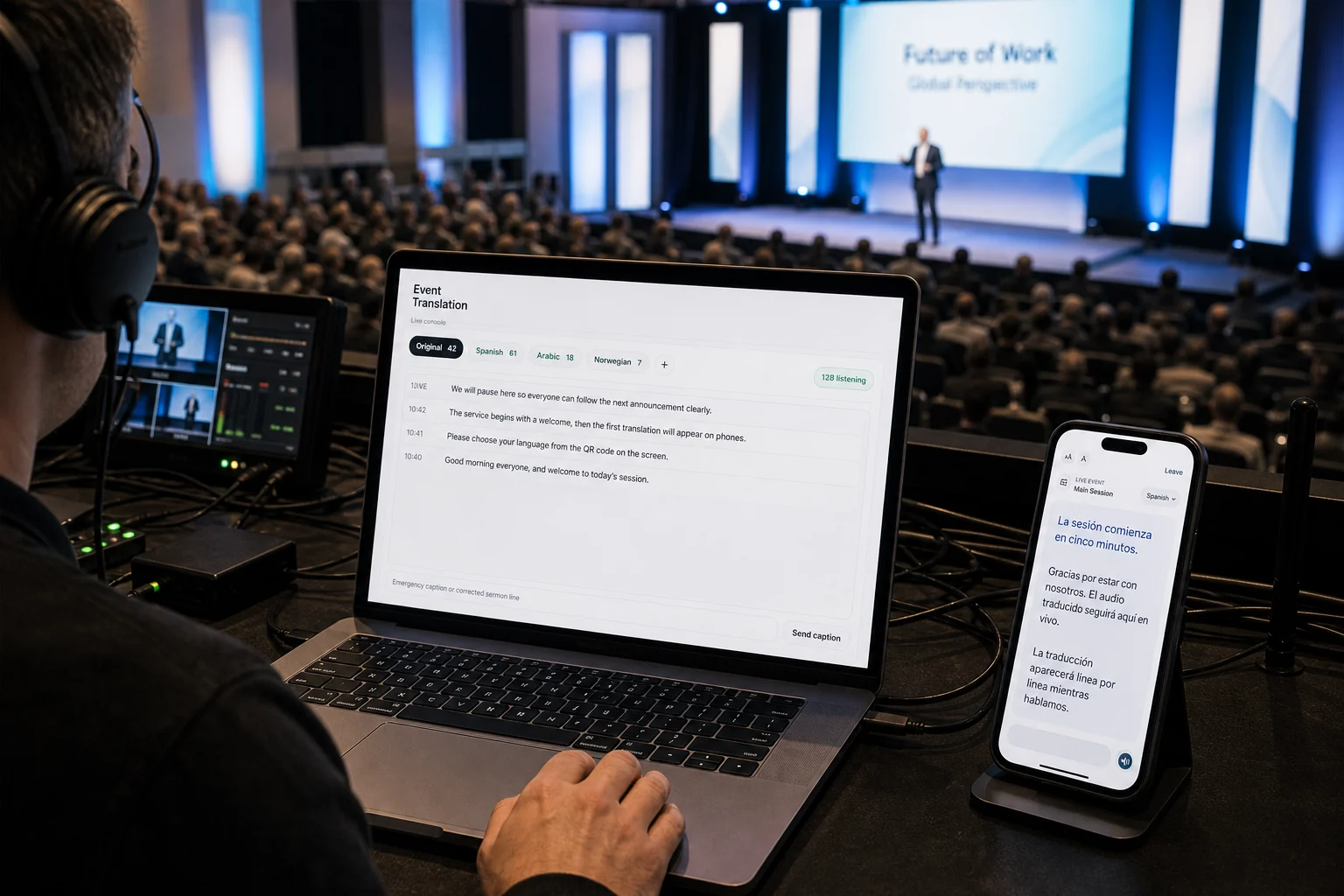
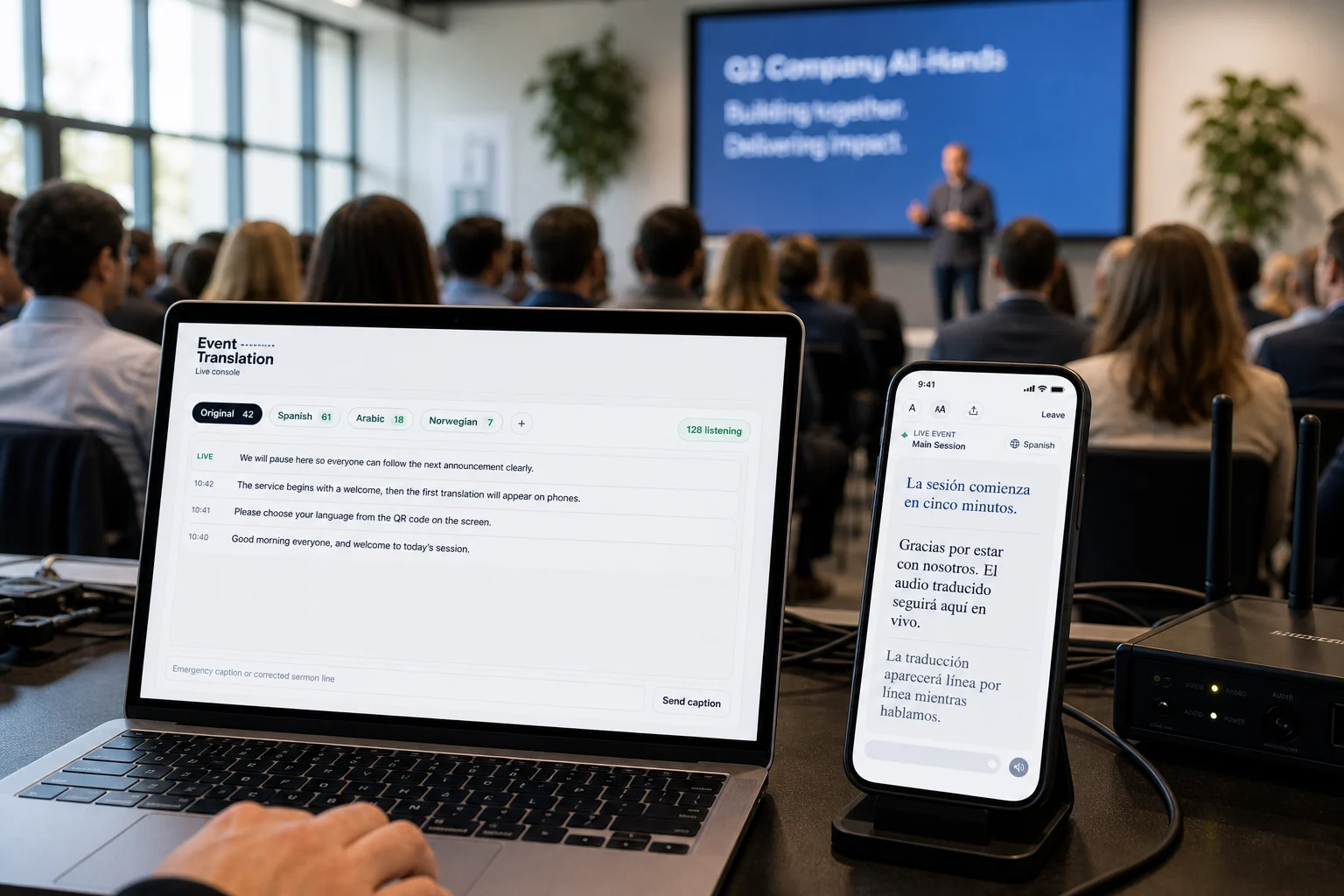
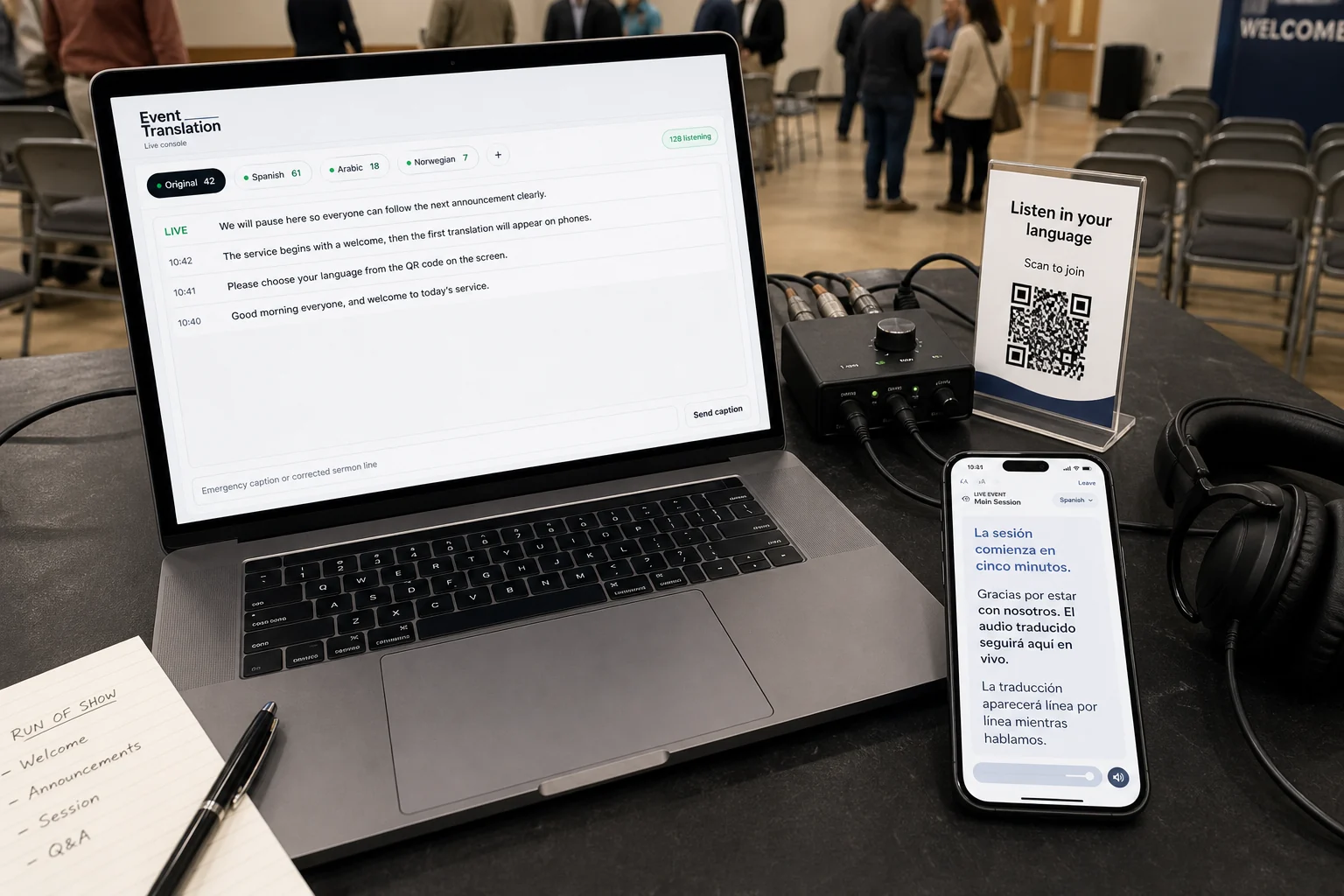
One console to start a session, choose languages, share the join code, publish afterwards, and keep the room moving.
A session is the start, not the whole thing.
Most translation tools stop when the speaker does. Koine is built as a loop, because the people you're trying to reach rarely arrive all at once.
In the room
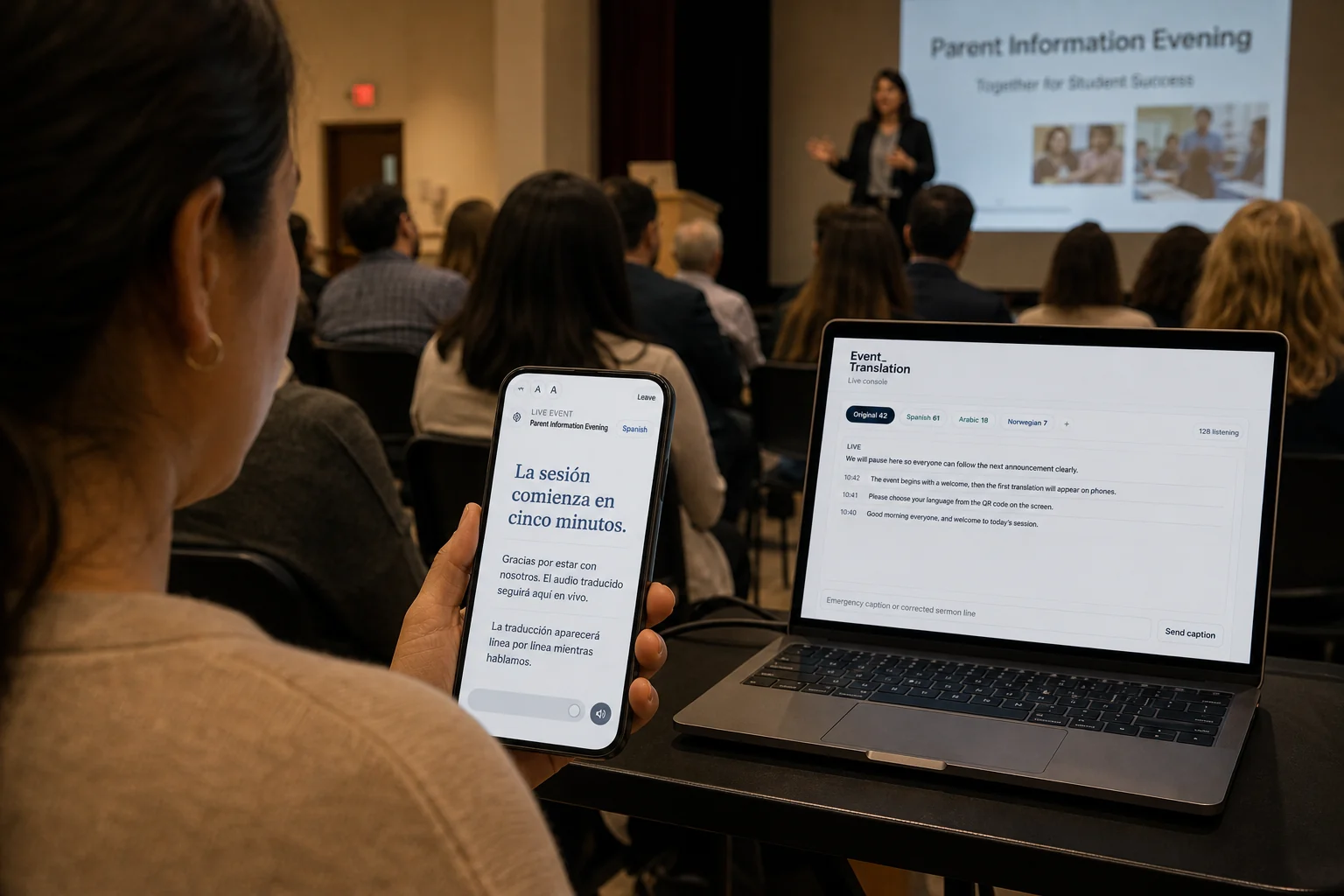
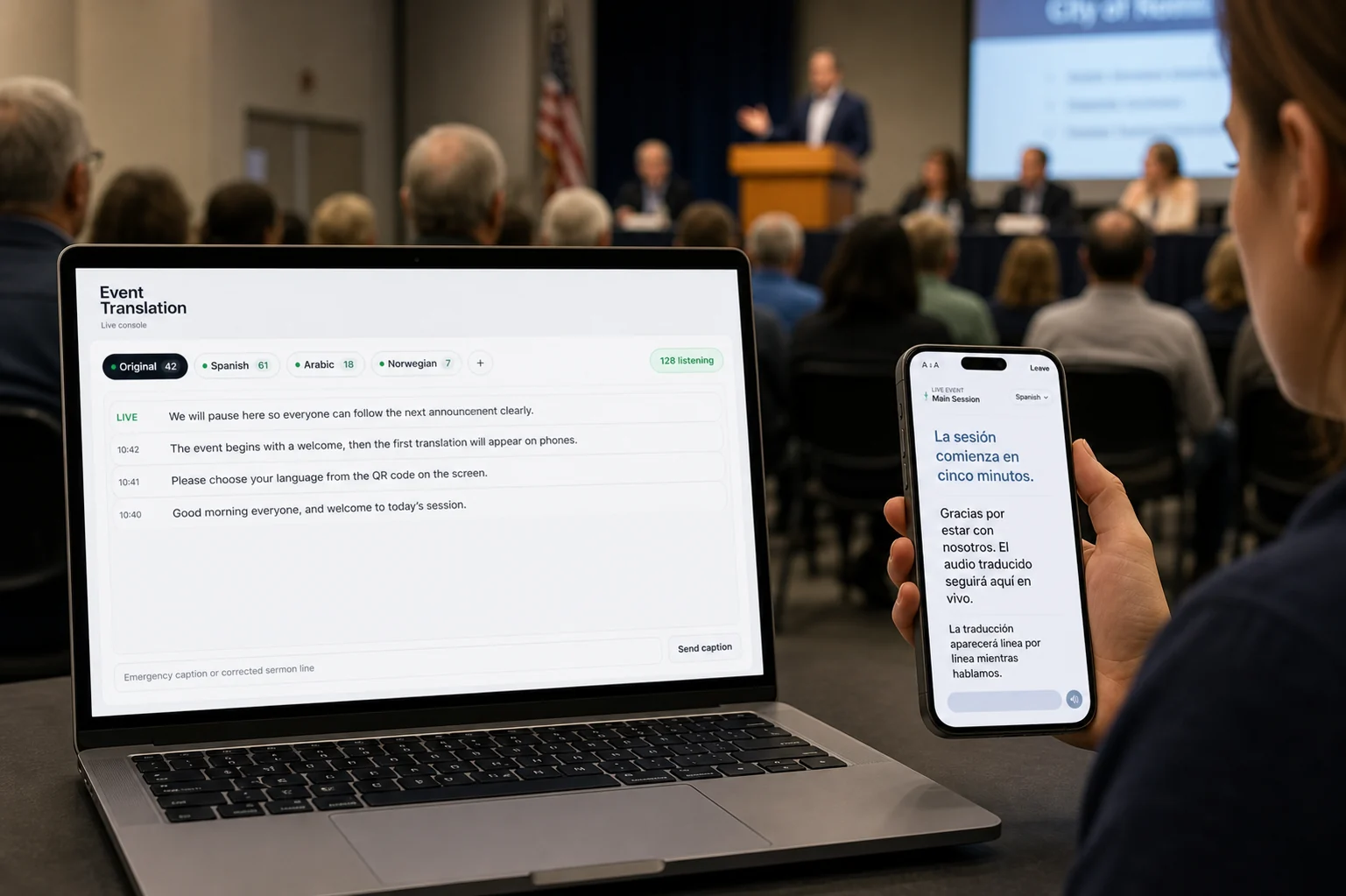
Voice and captions on every phone, and on the main screen for everyone at once.
Anywhere
The same session reaches people at home, in overflow, or in another country — on the same link.
Afterwards
The transcript, the recording, and each listener's own notes and photos stay available.
Next time
People who followed your page get told when you go live, so the audience compounds instead of resetting.
Need translation outside a hosted room? The Koine app also includes optional personal and two-way conversation tools.
The same platform, wherever the room is.
64 languages, and counting.
57 arrive as natural translated voice and live captions; 7 more are available as live captions while their voices are being tuned. Don't see one you need? Ask us — languages are added regularly.
Voice & captions. English, Spanish, Portuguese, French, Mandarin, Korean, Arabic, German, Italian, Dutch, Polish, Ukrainian, Russian, Hindi, Vietnamese, Tagalog, Japanese, Norwegian, Afrikaans, Armenian, Azerbaijani, Belarusian, Bosnian, Bulgarian, Catalan, Croatian, Czech, Danish, Estonian, Finnish, Galician, Greek, Hebrew, Hungarian, Icelandic, Indonesian, Kannada, Kazakh, Latvian, Lithuanian, Macedonian, Malay, Maori, Marathi, Nepali, Persian, Romanian, Serbian, Slovak, Slovenian, Swahili, Swedish, Tamil, Thai, Turkish, Urdu, Welsh.
Live captions today, voice coming. Amharic, Hausa, Haitian Creole, Igbo, Somali, Yoruba, Zulu.
What your audience sees, line by line.
A short, looping preview on the listener's phone. Switch settings to see how it adapts:
In a church service
Your congregation follows the message in their own language.
Representative preview. In a real session, the platform translates your own live audio.
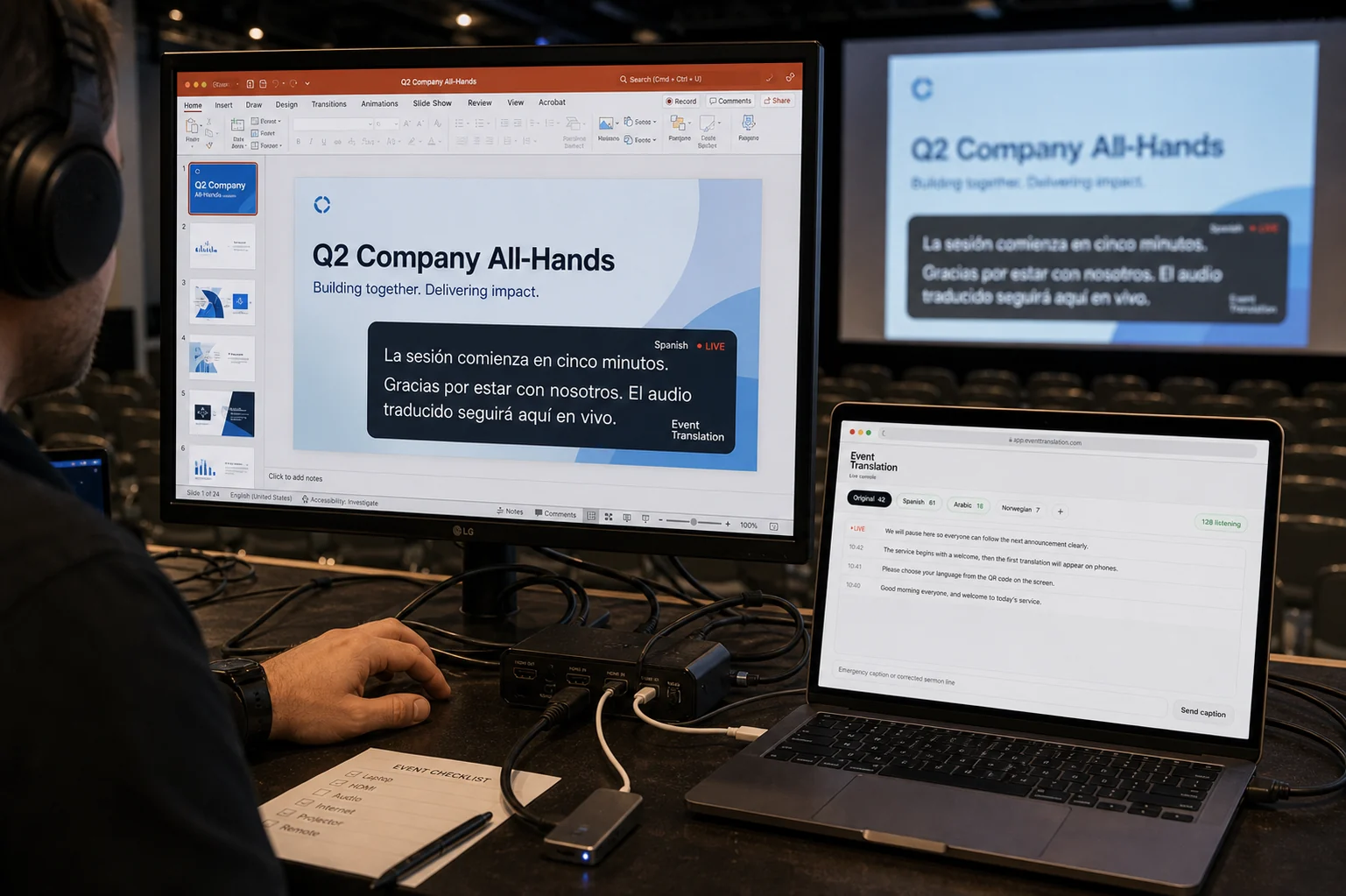
Drop captions onto the screen you already run.
Add a transparent caption feed as a browser source in ProPresenter, OBS, or EasyWorship — translated text over your slides, in whatever language you choose.
Three steps, start to finish.
Connect the audio
A microphone, soundboard feed, or livestream link provides the source for the room.
Choose languages
The operator selects languages and shares a join code on screen. Each language is translated once.
Audience listens
People scan the code, pick a language, and follow by voice or captions on their phones.
Common questions.
Does the audience need to install anything?
No. Attendees open a link or scan a code and listen in their phone's browser. There is nothing to download and no account to create.
What audio sources are supported?
A microphone, a line output from a soundboard, or a livestream/video URL. A single feed is enough to begin.
How many languages can run at once?
Up to eight on the largest plan, fewer on smaller plans, with higher limits available for large events on request.
How is audio handled?
Translation runs on our servers with provider keys held server-side. Audio is processed per session and is not stored by default; recordings are created only when you enable them.
Can people who aren't in the room join?
Yes — the same session works from anywhere on the same link, at no extra language-hour cost. See remote & hybrid listeners.
What happens after a session ends?
The transcript and any recording are kept for your organization, and you choose which sessions to publish on your own page. See recordings & archive and your page & followers.