Follow any live talk in your language — and keep what mattered.
Listen or read as the speaker talks, take notes and photos as you go, and come back afterwards to the translated transcript, the recording, and everything you kept. Follow the places you listen to and your phone tells you when they start. Joining stays free and never needs an app.
Free to join. Free to download. Personal AI features are an optional subscription.
The browser gets you listening. The app lets you keep it.
Follow the live translation first, then keep the parts that matter — notes, photos, highlights and history, on iPhone and Android.
Instant join
Tap a shared link and you're listening in seconds. On iPhone, the App Clip opens the join flow without a full install.
Live voice & captions
Hear the translated voice or read along live in the language you understand best — and scroll back through what's already been said.
Notes with photos
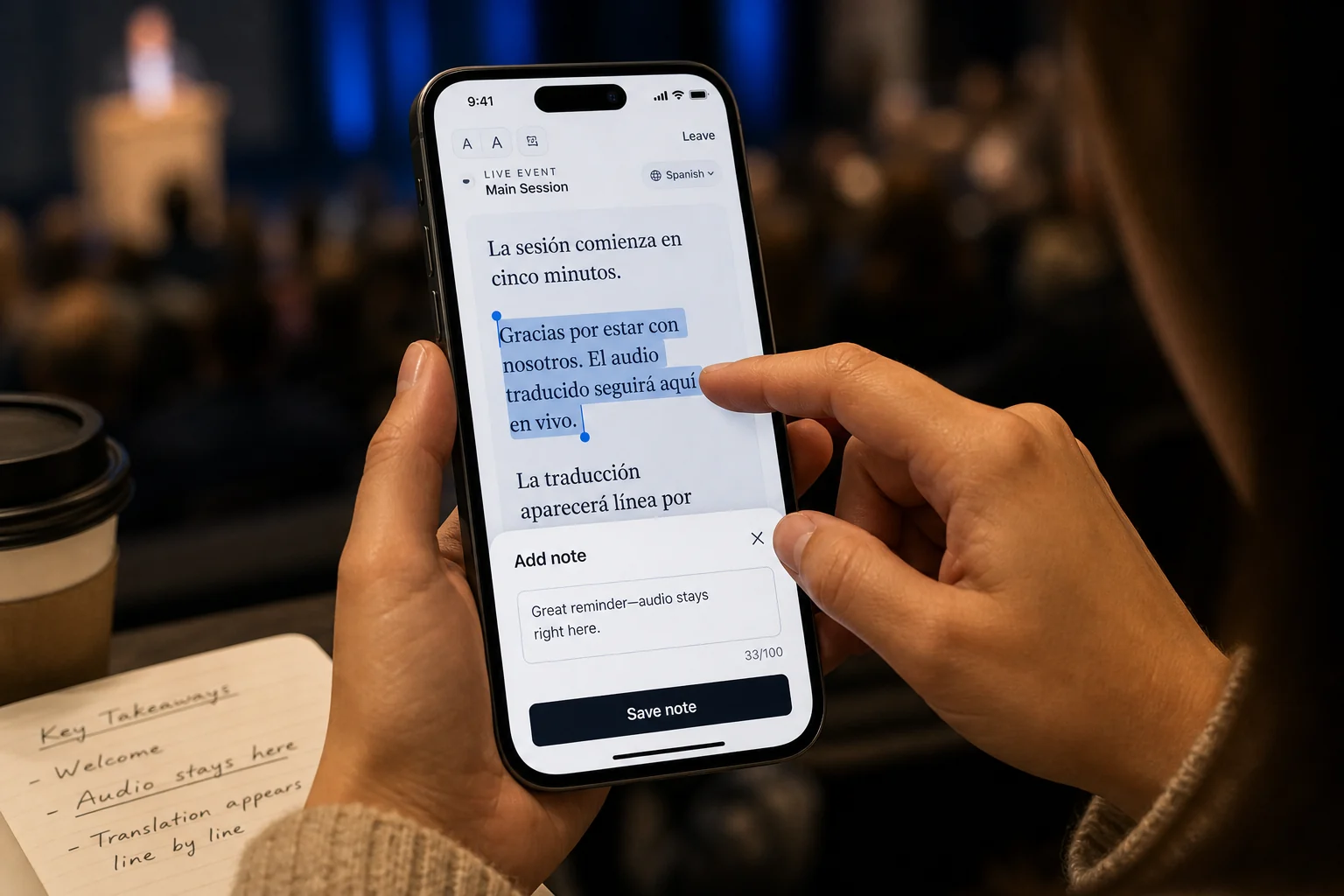
Write a note as it strikes you, or snap the slide, the whiteboard, or the handout — it lands in the timeline at the moment you took it.
Highlight the line
Tap a sentence to keep it. Your highlights stay anchored to the words that prompted them, in your own language.
Rewind a live session
Missed a sentence because someone spoke to you? Slide back, hear it, and return to the live edge.
History & replay
Every session you've been to, grouped by who ran it — with the transcript, any recording, and everything you kept.
Follow the people you listen to
Follow a church, school or organizer once and your phone tells you when they go live. Their upcoming sessions and archive are a tap away.
Explore
The organizations you follow in one list, plus search for ones that have chosen to be findable.
Ask & recap
Ask about what was said, or generate a recap grounded in the actual session. Optional personal subscription.
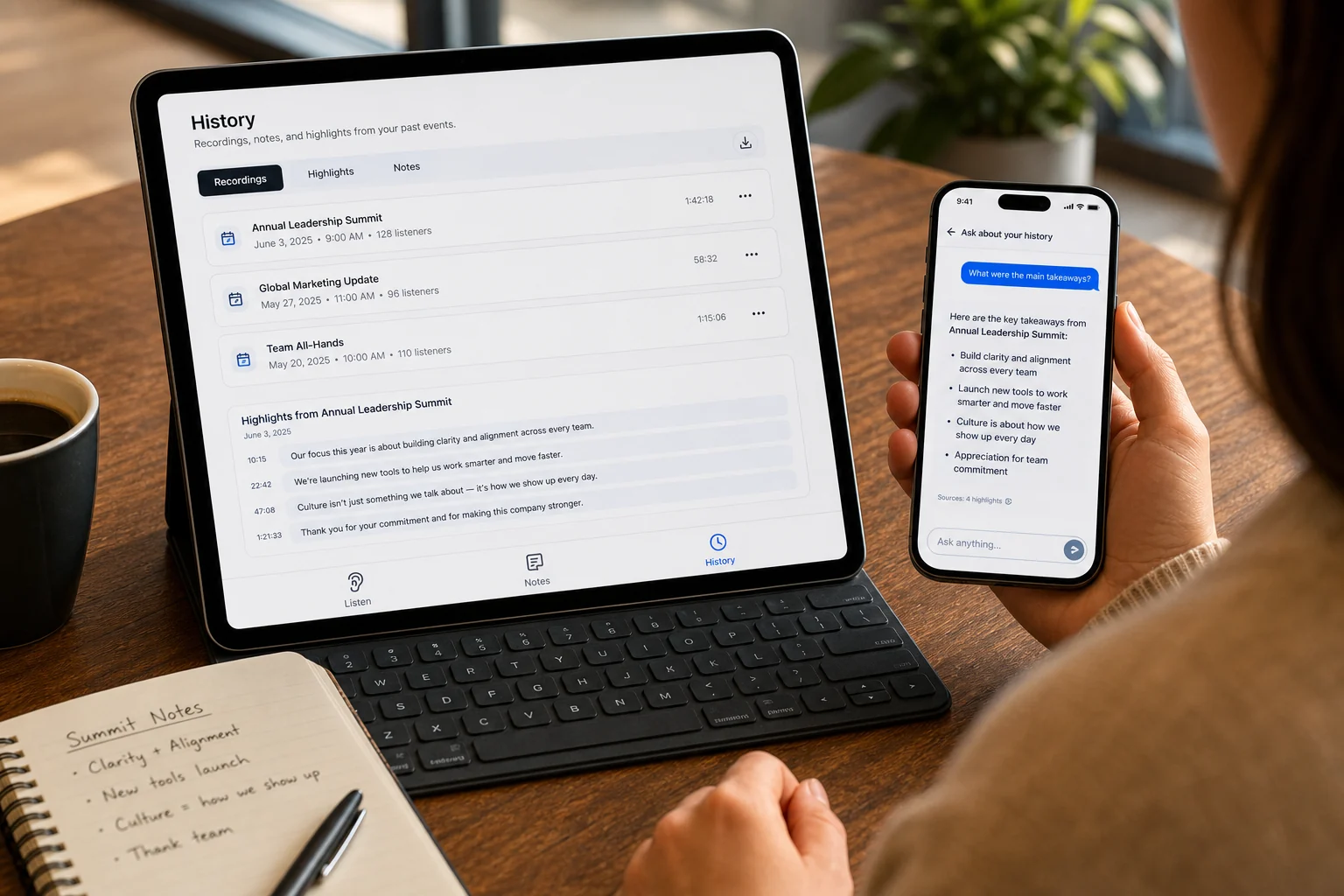
Notes, photos, highlights and answers — long after the room clears.
Every session you join can be saved: the full transcript in your language, the lines you highlighted, the notes and photos you added while it was happening, and a chat that answers questions about what was said.
- Notes, highlights and photos, anchored to the moment they belong to
- Replay past sessions with audio and transcript, in the language you heard
- Sessions grouped by the organization that ran them, so history stays findable
Your phone tells you when they start.
If you keep coming back to the same church, school or organizer, follow them. You get a notification when they go live, a reminder shortly before something scheduled, and their upcoming sessions and published archive in one place.
- A go-live notification that opens straight into the session, in your language
- Follow a single channel — the youth track without the whole programme
- You stay anonymous — organizations see how many followers they have, never who
Translation outside a hosted room, when you need it.
The same app can translate a nearby speaker privately or help two people hold a conversation. These tools stay secondary to the live sessions you join.
Two people, two languages, one conversation
Each person speaks their own language and hears the other in theirs.
Representative preview. In the app, translation runs on your own live audio.
Free to download, on the phone you already carry.
Available for iPhone and Android. Joining stays free forever; personal AI features are an optional subscription.
App questions.
Do I need the app to join a session?
No. Joining is always app-free — scan a code or open a link and listen in your phone's browser, with nothing to download and no account. The app is optional, for keeping notes, revisiting sessions, and personal use.
What's free, and what's paid?
Joining, listening, notes, photos, highlights, following organizations, and history are all free. Personal AI features — asking questions about a session and generated recaps — are an optional personal subscription. Hosting a session for a room is billed to the organizer, not the listener.
Do organizations see my notes or know I followed them?
No. Your notes, photos and highlights are yours. Organizations see a follower count, not a list of people, and they never see what you wrote.
Is it on both iPhone and Android?
Yes — Koine ships native apps for iPhone and Android, plus an iPhone App Clip for instant, install-free joining.
Can I listen to a podcast episode in my language?
Yes — a session's source can be a link. Paste a podcast episode (Apple Podcasts, Spotify, or an RSS feed) or a public talk, open your language, and follow it with voice and captions like any live session. Link sessions use the host's included hours.
Does conversation mode work anywhere?
Conversation mode is an in-app feature for two-way talk between two languages, and works best with headphones so each side hears the other clearly.